Dealers
In the dealers menu you can add the dealers that sell your products.
Adding a New Dealer
- To go to the dealers page, click dealers icon in the menu bar
- To add a new dealer click the “Add new Dealer” button. To edit an existing dealer, click on its name.
- This will open a new pop-up box where you can modify the dealer’s name.
Having a dealer means that your software will be sold offline through a third-party website. If you want to sell your software offline through your own web-app, you need to add yourself as a dealer.
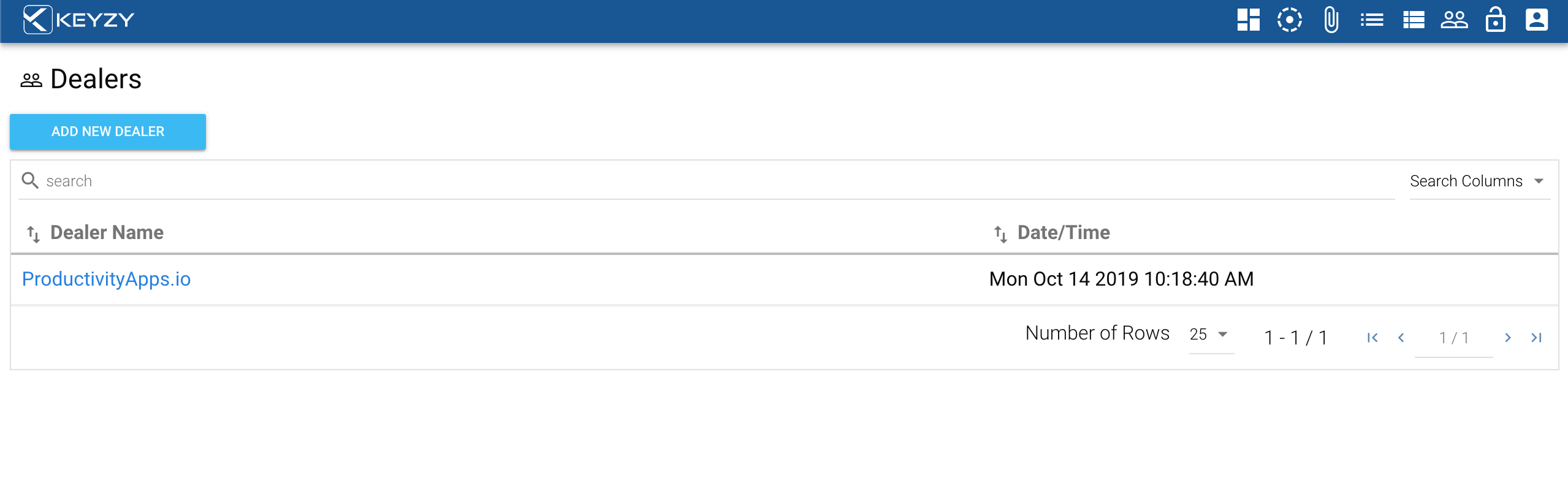
The search bar allows you to search dealers by any term in the dealer columns, or by dealer name.