Products
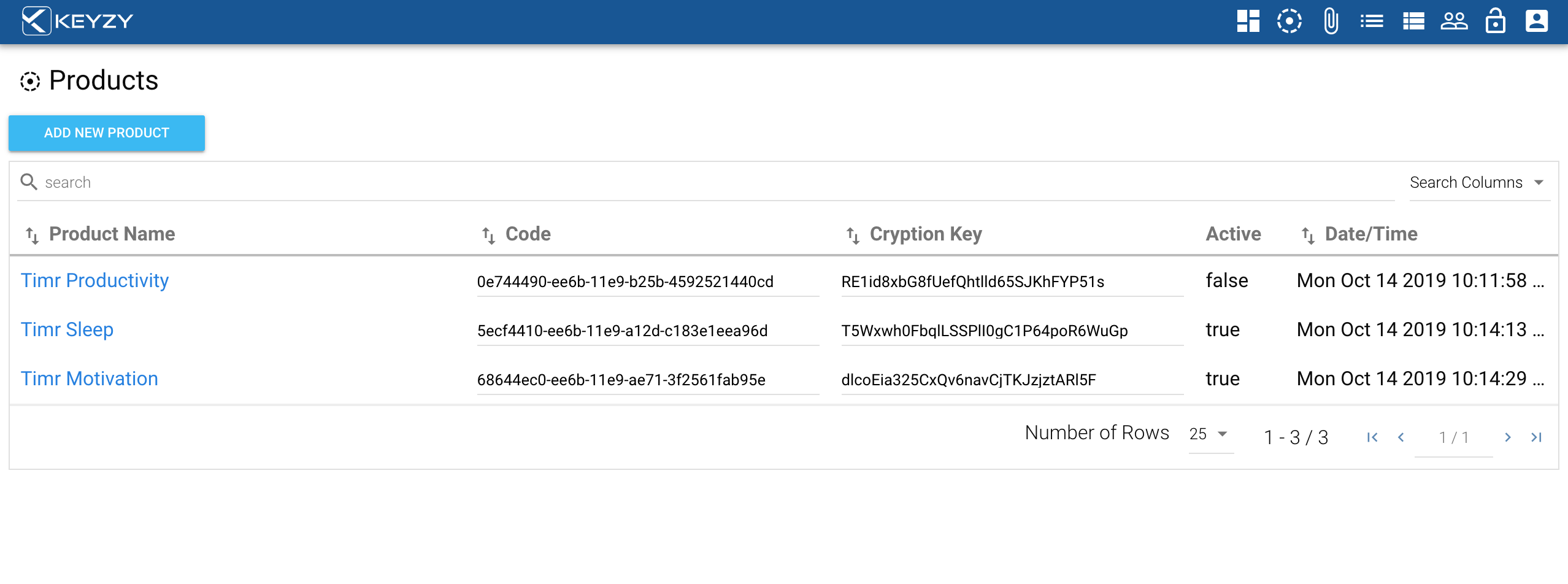
Products are software items you distribute or sell.
Adding a New Product
- To go to the product page, click products icon from the menu bar
- To create a new product, click the “Add new product” button. To edit an existing product, click on your product name.
- This will open a pop-up box where you can modify:
- The product name
- The status of the product (active or inactive)
- The number of devices the product can be activated on using a single license key (you can choose 1-10 devices or unlimited devices per license)
Managing Versions
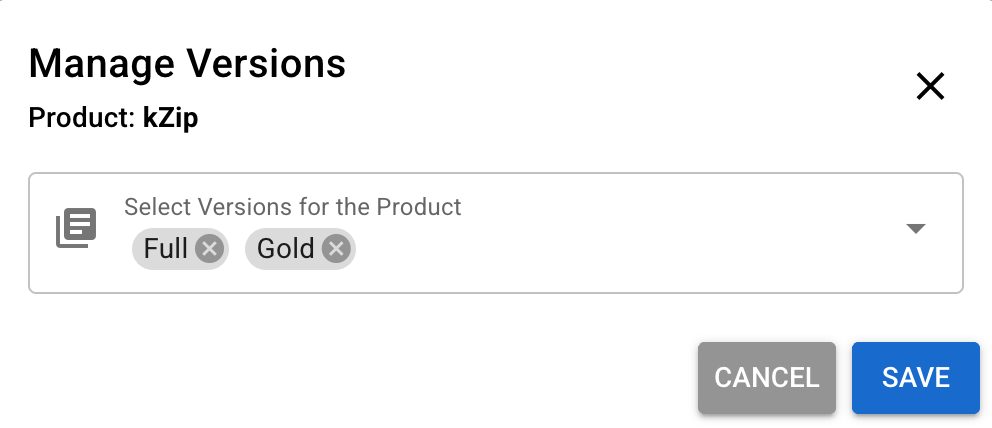
Every existing product needs to have at least one version assigned to the product. Each time you create a new product, it gets assigned to “Full” version by default.
To manage versions of a product, click the “Manage Versions” button. Then you can assign product versions you already created on the Versions section.
The search bar allows you to search products by any term in the product columns, by name, by version, by code or by cryption key.