Setting Up Your Product for Sale
After you set up your product, you need to take some additional steps in order to prepare it for sale.
Add App Key
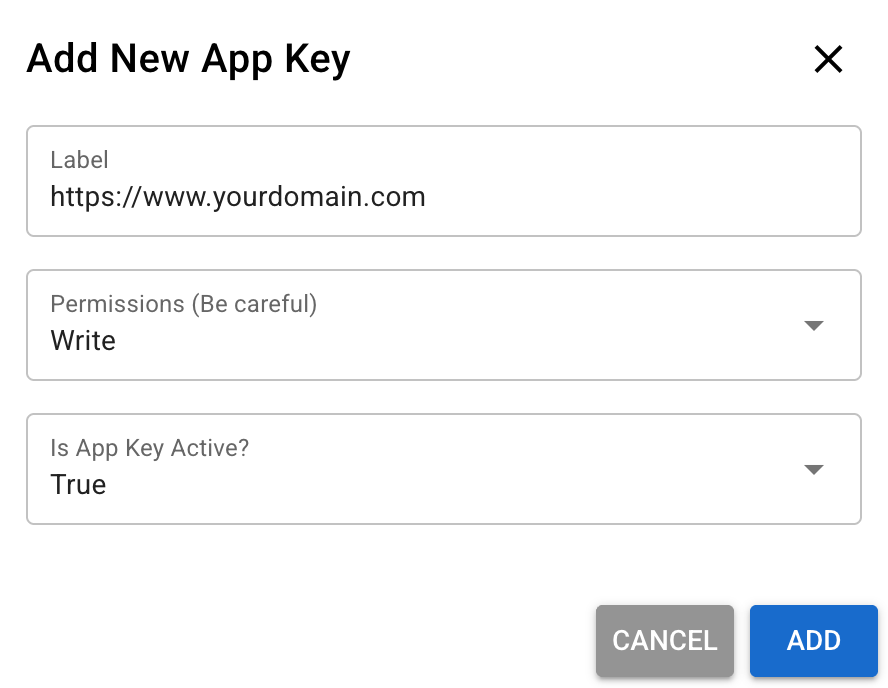
To connect your e-commerce store to KEYZY, you need to add an App Key to your account.
- Go to the App Keys page
- Add an App Key
- Use write permission for your e-commerce store
Add Dealer
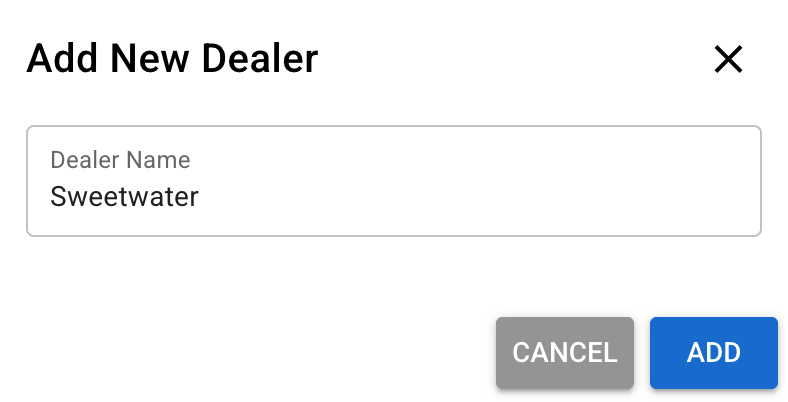
If you are selling your product through a third party, you need to set up a dealer.
- Go to the Dealers page
- Name your dealer and you can select it when generating new licenses