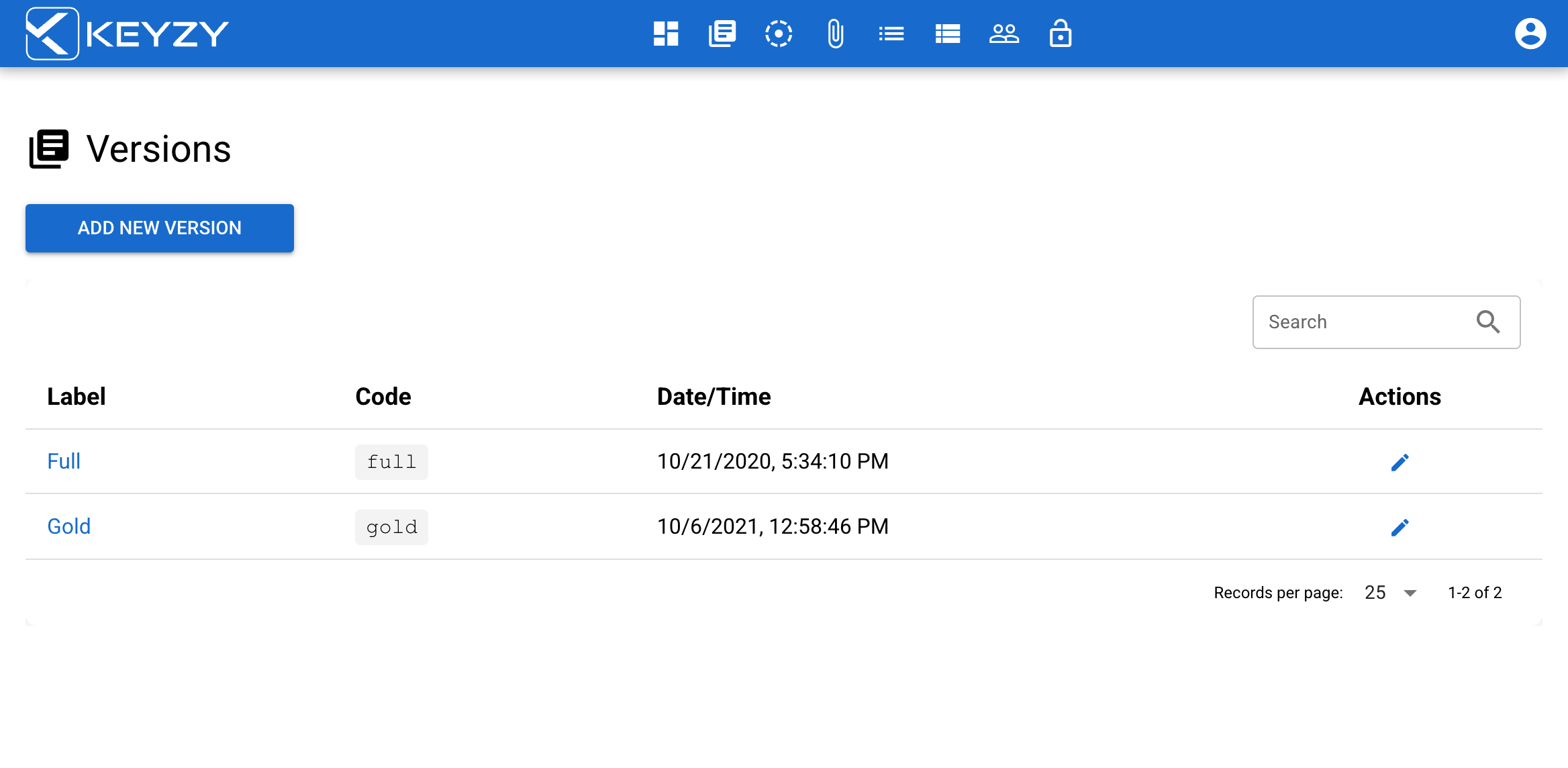
Versions
Versions help you to create different versions of your products.
Each version has a set of features and you can customize your software with it. For example, you may have Standard Version, Gold Version, Platinum Version and each version acts differently.
Adding a New Version
By default, all existing products have a “Full” version. Whenever you create a new product it will be assigned to the “Full” version.
Follow these steps to edit this version or add new ones:
- To go to the version page, click the versions icon from the menu bar
- To create a new version, click the “Add new version” button. To edit an existing version, click on your version name.
- This will open a pop-up box where you can modify:
- Version label
- Version code
The search bar allows you to search versions by any term in the version columns, by label, or by code.