Register Your Product
The “Register Your Product” feature lets end users who bought your software through a dealer register their serial number on your WooCommerce store. This gives them access to downloads and order history on your site.
Prerequisites
- The serial number must belong to a dealer license (offline-distributed). Regular licenses registered through the store or API are not eligible.
- The WooCommerce product must have the same SKU number as the KEYZY SKU linked to the license. The plugin matches by SKU number to find the correct product.
Inserting the Shortcode
Add the following shortcode to any page on your WooCommerce store:
[keyzy-register-product]How It Works
- The customer signs in to your WooCommerce store.
- They enter their dealer-provided serial number into the form and click Register.
- The plugin verifies the serial against the KEYZY API.
- On success, the plugin creates a zero-total order (with a 100% discount) on your WooCommerce store and marks it as completed. This makes the product appear on the customer’s Downloads page.
- The license is marked as registered on KEYZY with the customer’s name and email.
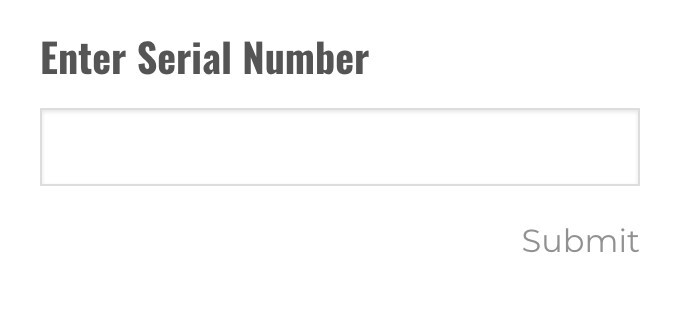
Notification Email
By default, WooCommerce sends an order completion email when the zero-total order is created. If you want to disable this notification, go to Settings > Keyzy Settings in your WordPress admin and enable Disable Register Product Notification.
Error Messages
| Error | Cause |
|---|---|
| The serial number is required! | The input field is empty. |
| Please check the serial number field! | The serial number is too short. |
| Wrong serial number! | The serial does not exist, is not a dealer license, or is already registered. |
| You are not authorized! | The app_id or api_key in Keyzy Settings is incorrect. |
| Product not found! | No WooCommerce product matches the SKU number of the license. Make sure your WooCommerce product SKU matches the KEYZY SKU number. |